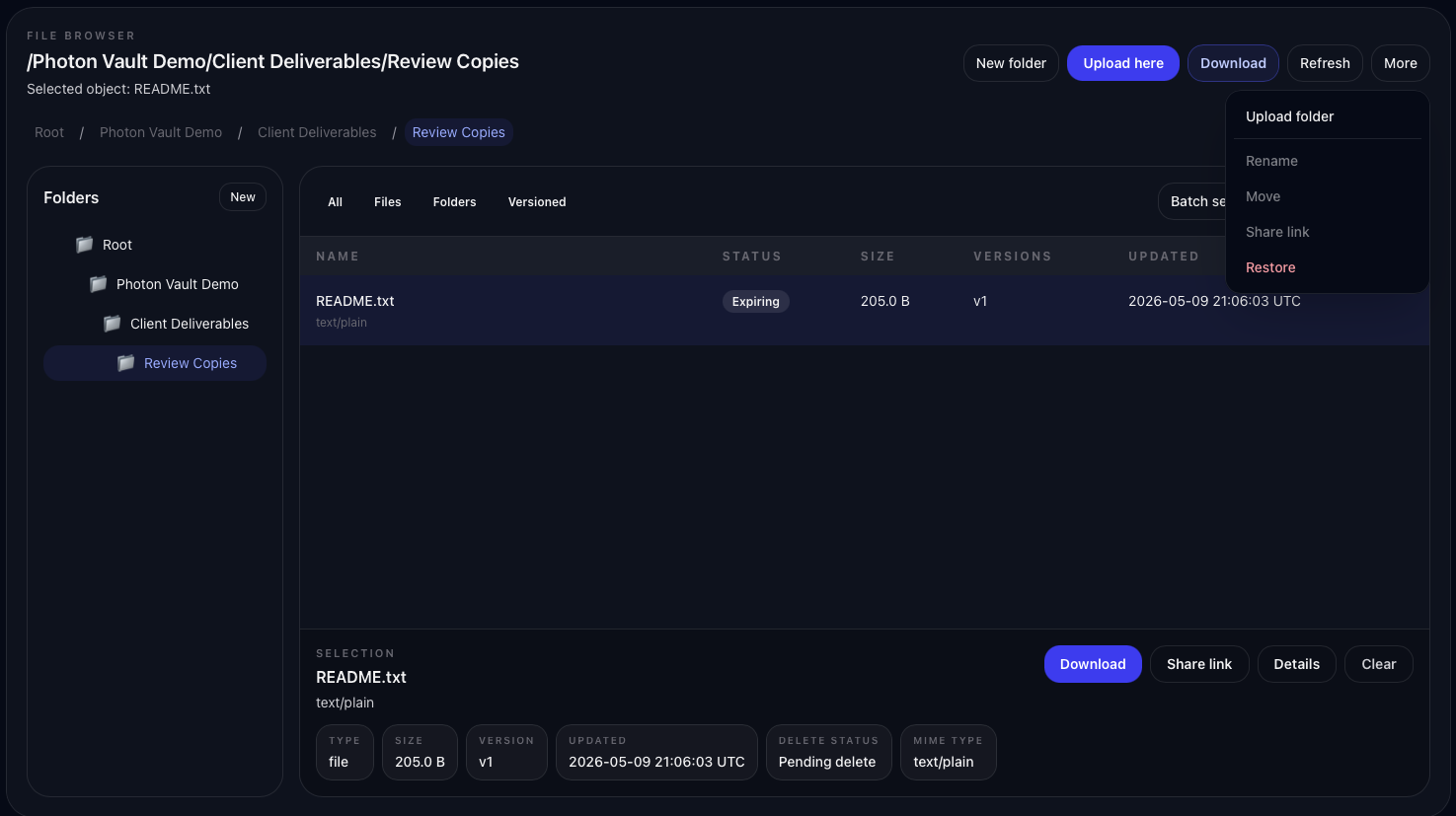
Delete carefully
Confirm the selected file, folder, or vault is the item you intend to remove before continuing.
Step 7 of 7
Delete, restore, and version history
Vault is built for files you want to keep, but mistakes happen. Learn the safe way to delete, restore, and understand file versions.
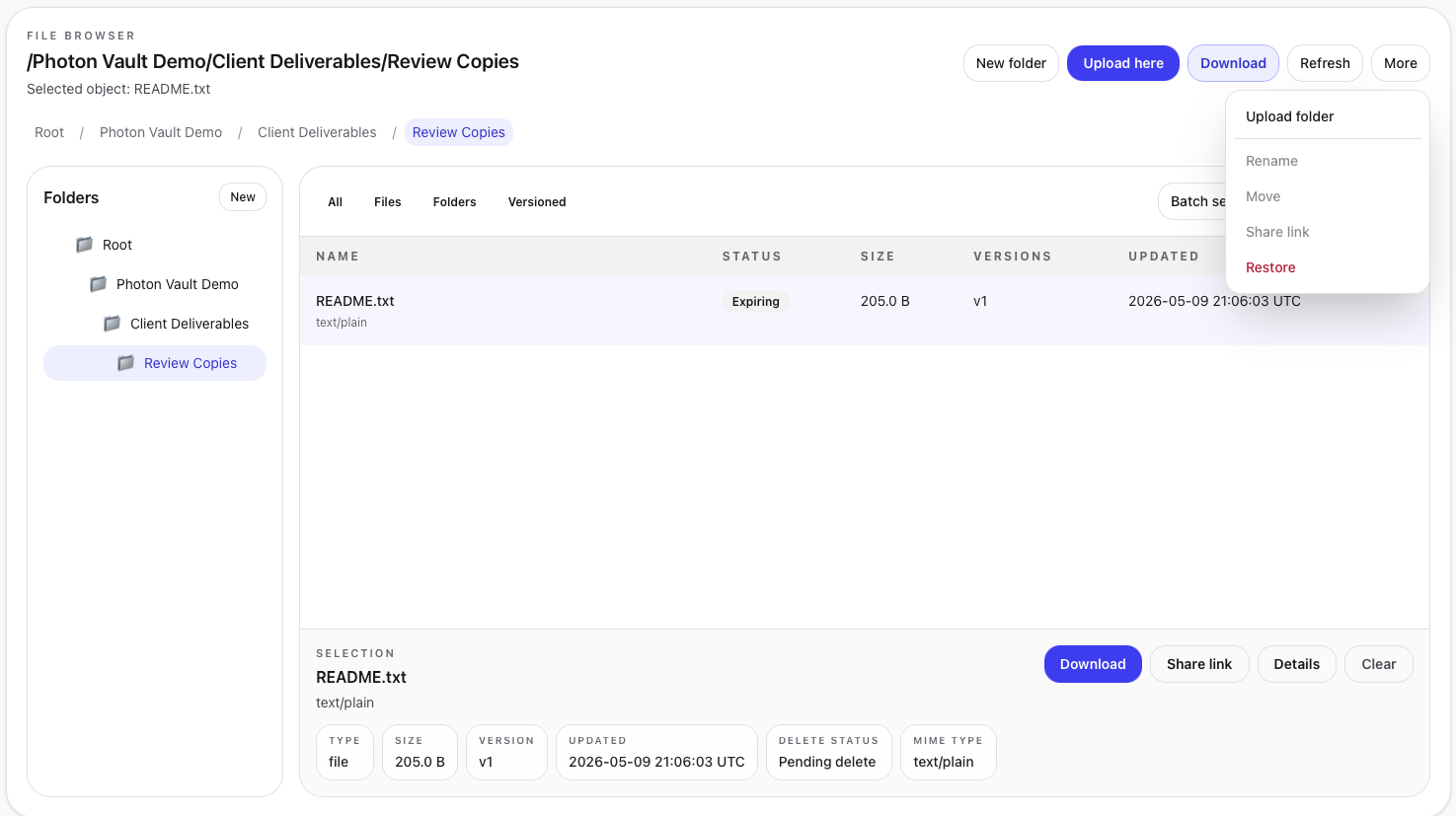
Confirm the selected file, folder, or vault is the item you intend to remove before continuing.
Items marked for deletion may be restorable until the final removal point is reached.
Uploading a replacement at the same path can create a new version instead of simply overwriting the old one.
Versioning helps when a file changes over time. Instead of treating a new upload as the only copy, Vault can keep older versions so you have more control if the wrong file was uploaded.
Guide complete
You have worked through the main Vault workflow from setup through storage, sharing, intake, recovery, and cleanup.