Free Vault
Useful for trying Vault or keeping a small amount of encrypted data. Vault Free has 10 GiB included, a 10 GiB storage limit, and no paid overage. Files expire seven days after upload.
Step 5 of 7
Plans, storage, and retention basics
Paid Vault storage is scalable: your plan determines how much is included, not a maximum. Additional storage is billed at $0.04/GiB-month, and paid Vault storage has no fixed capacity limit. Paid Photon Vault has no per-file upload size restriction, so you can upload files of any size.
Useful for trying Vault or keeping a small amount of encrypted data. Vault Free has 10 GiB included, a 10 GiB storage limit, and no paid overage. Files expire seven days after upload.
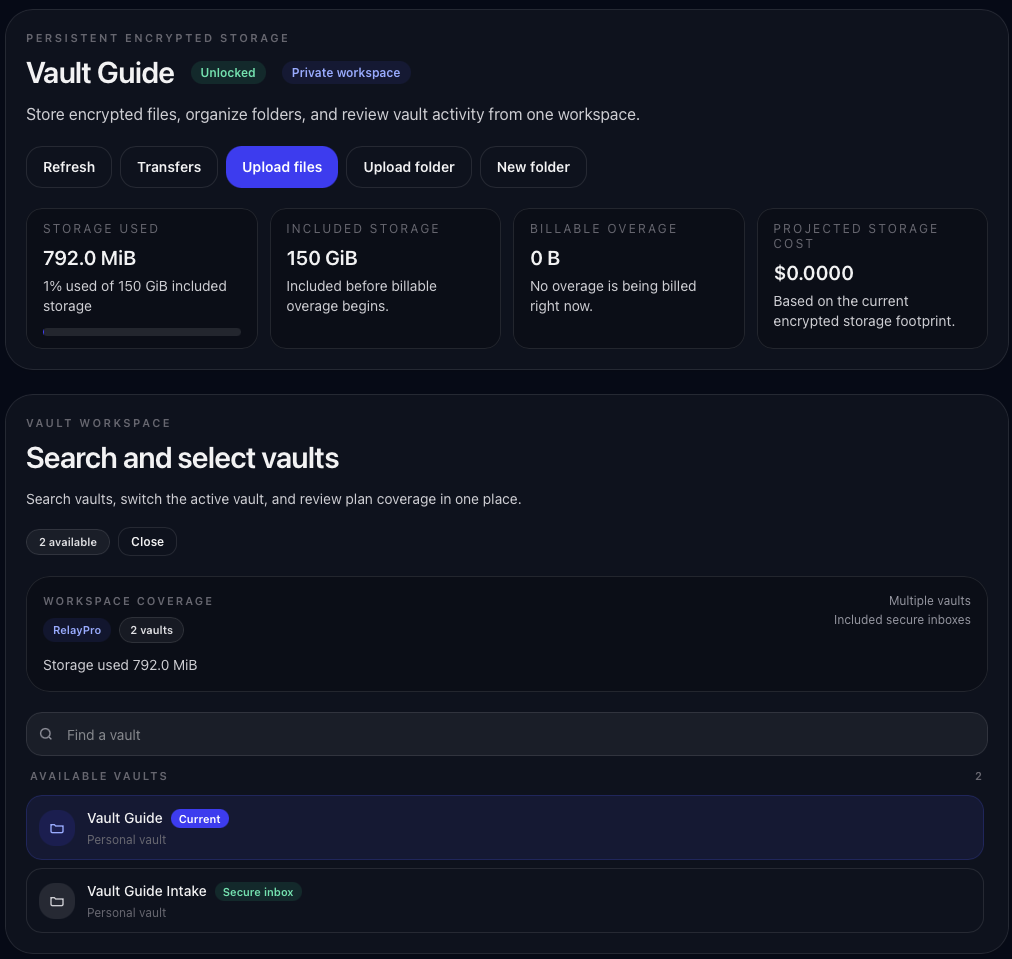
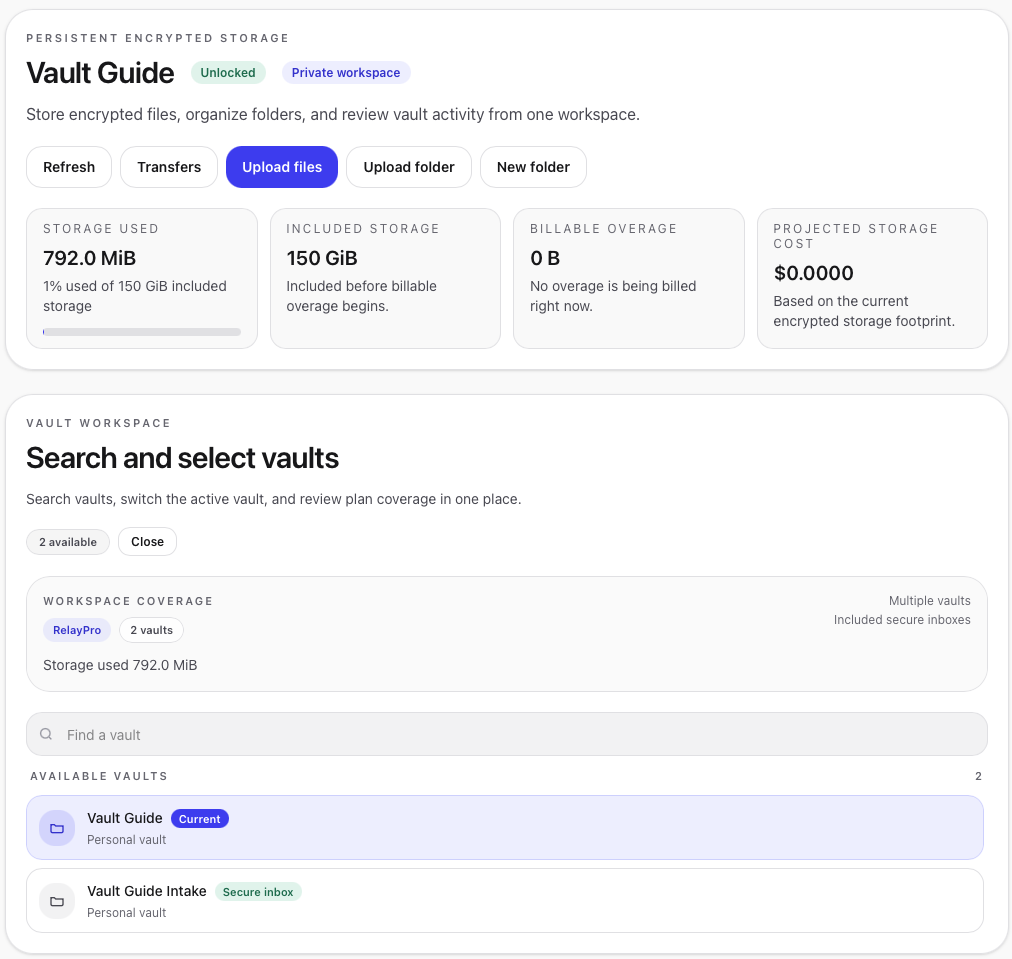
Relay Lite: 50 GiB included. Relay Pro: 150 GiB included. Relay Studio: 500 GiB included. Storage beyond the included amount is $0.04/GiB-month, with no fixed storage cap.
A dedicated Vault option with 500 GiB included, Vault Intake, and Desktop Vault Sync. Additional storage is $0.04/GiB-month, with no fixed storage cap.
Use Free Vault to learn. Use Vault with Relay when you already send live transfers and want storage too. Use Vault Standalone when your main job is secure storage or client intake.
Continue the guide