Use Relay instead when...
Both sides are ready now and the file does not need to remain available in Vault. Relay is built for live handoff.
Step 3 of 7
Share files and folders safely
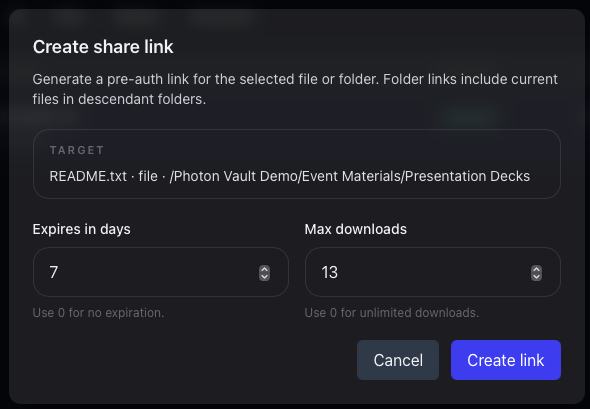
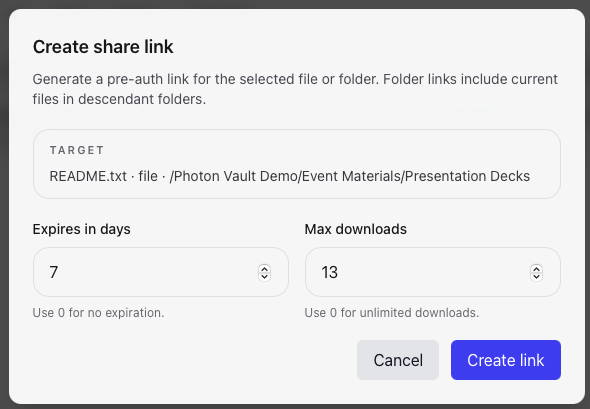
A share link is for a selected file or folder. It should not be used as a replacement for giving someone full workspace access.
New folder links keep the shared folder as the download root. Choose
Download all or Download selected and select a destination folder,
even when saving one file. Sharing
root/folder-a/folder-b saves folder-b and
its contents, without its ancestors. Files stream directly into the
destination with their folder paths preserved.
Individual file downloads use Save file. Existing links keep their original download layout.
Saving a folder requires a browser with support for choosing a writable folder, such as current desktop versions of Chrome or Edge. If that capability is unavailable, download files individually.
Both sides are ready now and the file does not need to remain available in Vault. Relay is built for live handoff.
Someone outside your team needs to send files to you. Vault Intake gives them an upload path without browse access.
Continue the guide