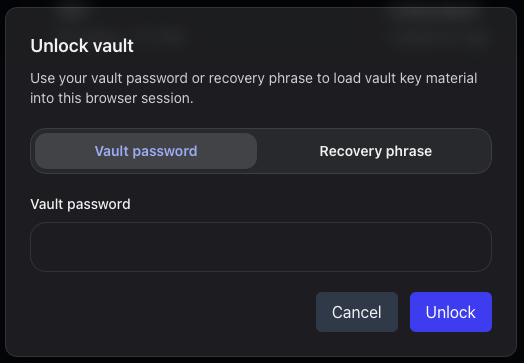
Password unlock
Use your normal unlock flow when you know your credentials and have access to the account.
Step 6 of 7
Recovery keys and access safety
Vault is designed around client-side encryption. That is good for privacy, but it also means your recovery material deserves careful handling.
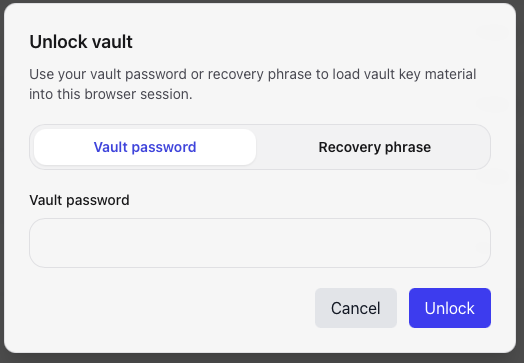
Do not leave recovery information only in the same account, device, or browser you are trying to protect. Use a password manager or another safe storage method you trust.
Use your normal unlock flow when you know your credentials and have access to the account.
Use recovery material when the normal path is unavailable. Treat it like a high-value secret.
Continue the guide